SlicerVJ converts SVG artwork into fully editable Resolume Arena Advanced Output slices automatically. It removes the repetitive setup so you can focus on the mapping, the content and the show.
See how SlicerVJ fits between your SVG design file and Resolume Arena Advanced Output.
Follow the same mapping artwork through the pipeline - from SVG file to Resolume Arena Advanced Output.
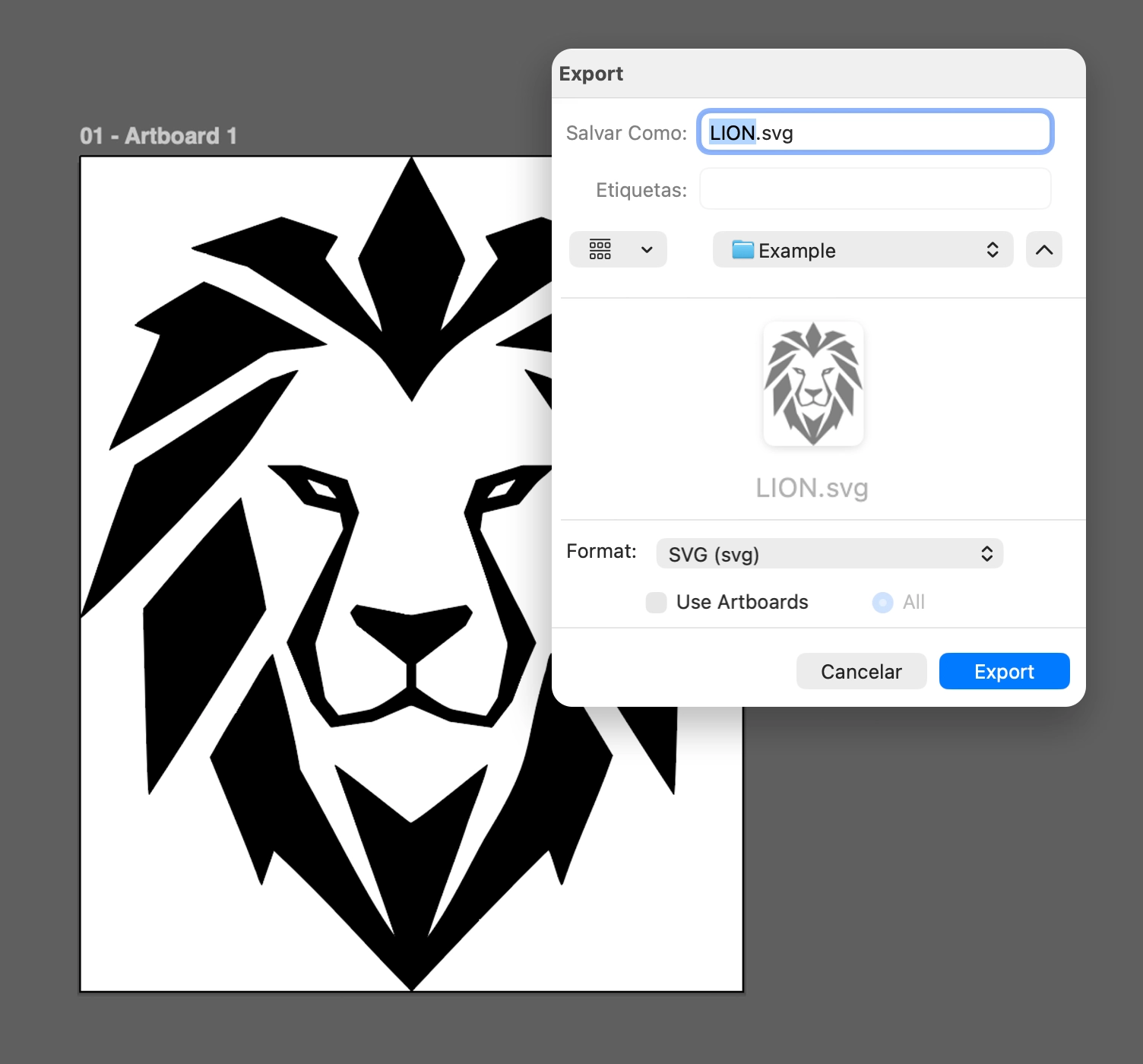
Design your piece in any vector tool and export it as SVG.
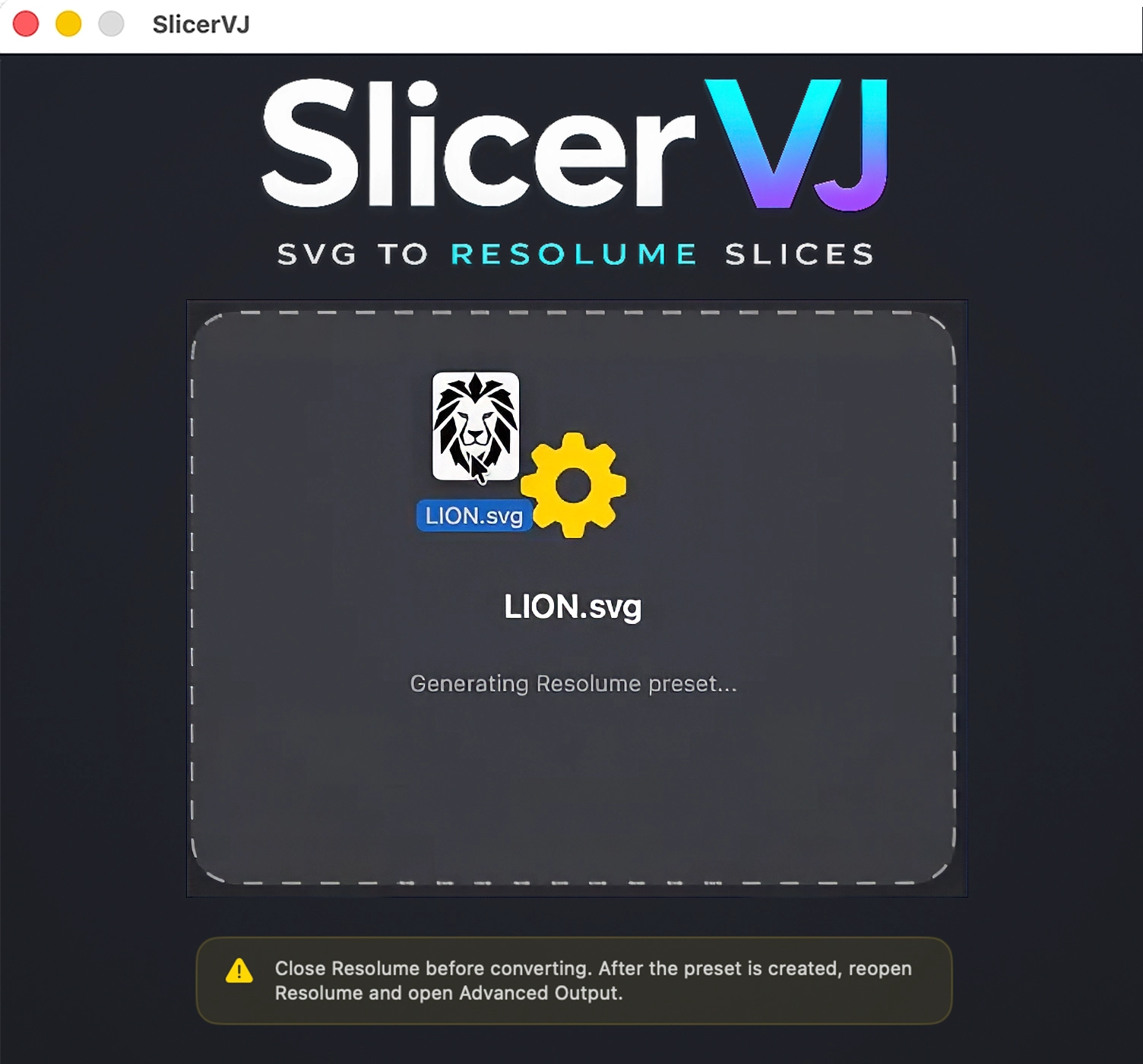
Drop your SVG file into the app. SlicerVJ reads the vector structure and prepares the output preset.
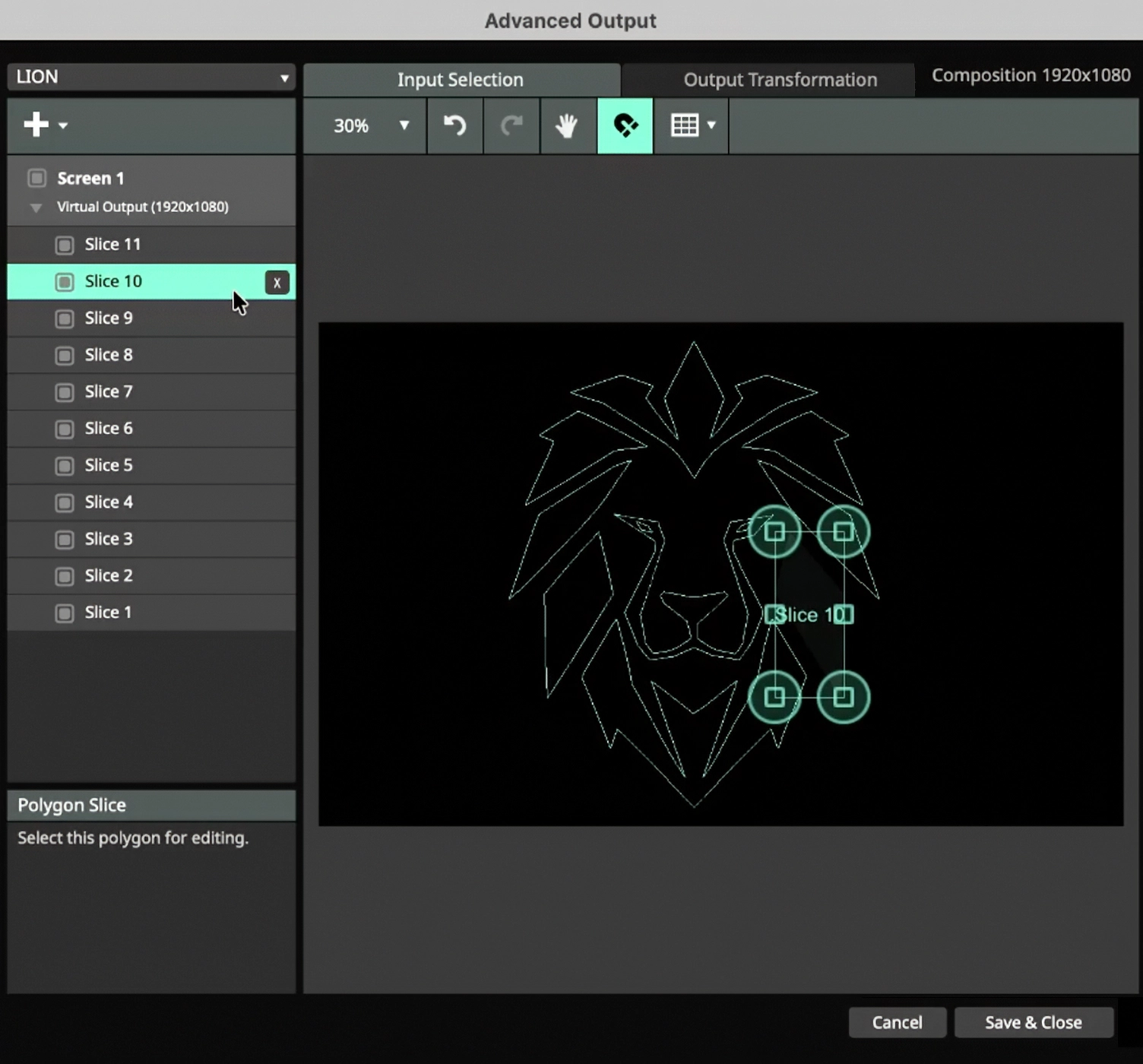
Automatically generated slices - each one selectable, transformable, and fully editable inside Resolume Arena.
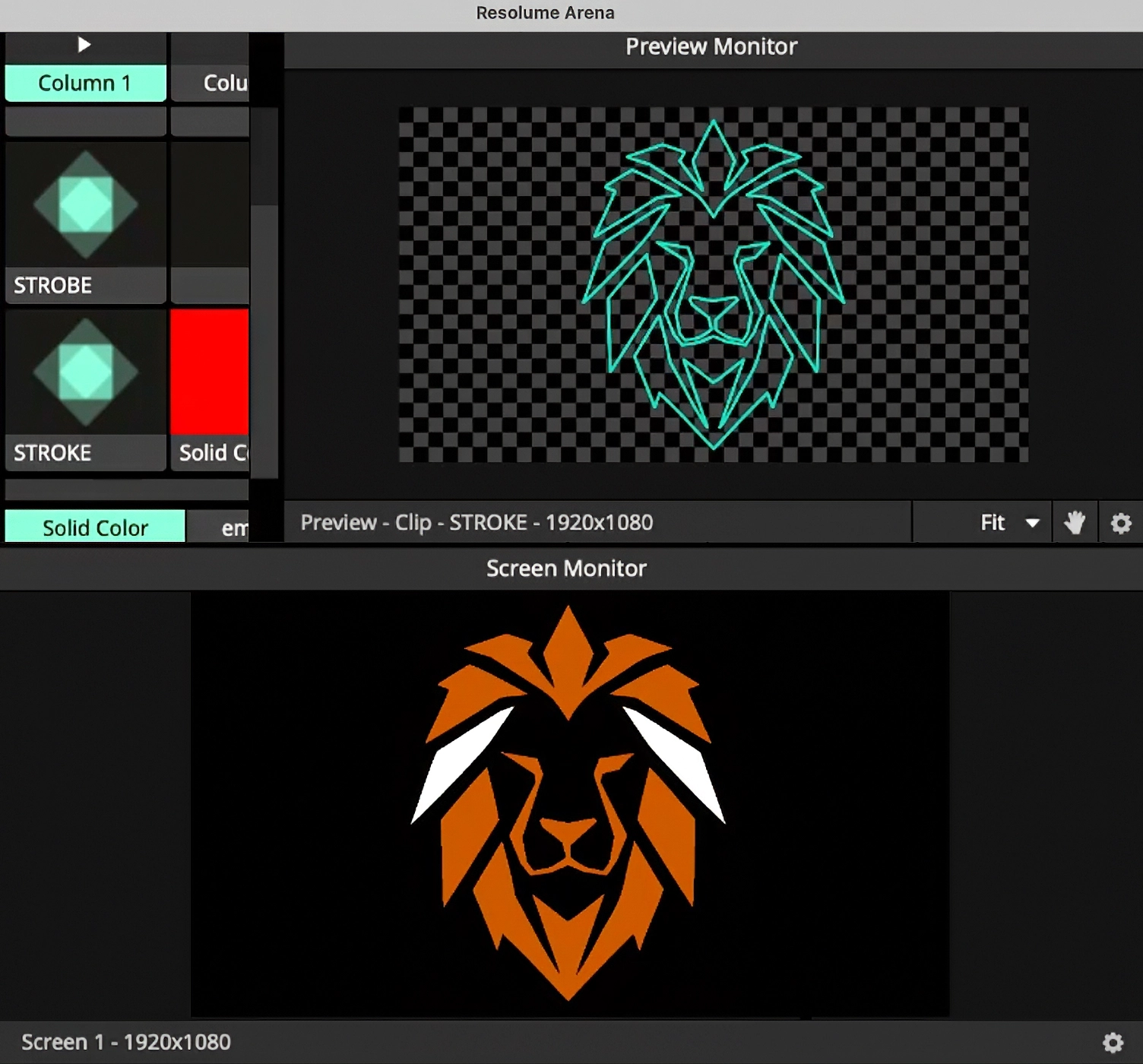
Your mapping structure is live in the preview - ready for content, effects, and the show.
Many projection mapping projects start by rebuilding your design, shape by shape, inside Resolume's Advanced Output. SlicerVJ automates that repetitive step.
SlicerVJ sits between your design tool and Resolume Arena - a professional bridge from vector artwork to Advanced Output.
Load the SVG artwork of your stage, set piece or architecture. SlicerVJ reads the vector shapes in the file.
Each supported vector element is converted into a Resolume slice, preserving the structure of your original design as a starting point.
Generate an Advanced Output preset, open it in Resolume Arena, then fine-tune vertices and perspective directly on site.
SlicerVJ builds the structure. You keep the creative decisions.
Bring artwork from any vector tool. Paths, polygons, and shapes are all recognized automatically.
Every vector element in your file is detected and translated into an individual slice - no manual tracing.
Exports a preset fully compatible with Resolume Arena's Advanced Output, ready to load in seconds.
Nothing is locked. Adjust vertices, correct perspective, and adapt the mapping to the real-world surface as usual.
Useful for simple setups and larger projection mapping projects. The more slices your design has, the more repetitive work you avoid.
Created by VJ Surreal to solve a real problem faced on real stages - not a feature imagined in an office.
SlicerVJ works with SVG files exported from common vector design tools.
SlicerVJ wasn't created inside a software company.
It was created between shows, deadlines, rehearsals and projection mapping projects.
Built by a working VJ, it solves one of the most repetitive tasks in Resolume Arena, allowing artists to focus on creativity instead of manual setup.
Let SlicerVJ handle the repetitive work.
Become one of the first artists to shape the future of SlicerVJ.
SlicerVJ is in constant development, shaped by feedback from working artists.
SlicerVJ was created by VJ Surreal, a Brazilian Projection Mapping Artist, VJ and Creative Technologist with more than 20 years of professional experience.
Instead of being created inside a software company, SlicerVJ was born backstage - solving a real workflow problem experienced during live events and projection mapping productions.
About VJ SurrealFollow SlicerVJ updates, workflow tests, release notes and future tool development.
Behind the scenes, live shows, mapping projects and product updates.
For release updates, support and product questions, contact VJ Surreal directly.
Contact SupportSupport email: support@vjsurreal.com.br
SlicerVJ is available for macOS and Windows. The Mac version requires macOS 14 Sonoma or newer and supports Intel and Apple Silicon. The Windows version supports 64-bit Windows 10 and Windows 11.
Each license can be activated on up to 2 computers total across macOS and Windows. You can use two Macs, two Windows PCs, or one of each. If you replace a computer or need your activation count reset, contact support.
An internet connection is required for the first license activation. After activation, SlicerVJ can be used offline.
SlicerVJ is distributed directly by VJ Surreal rather than through the Mac App Store or Microsoft Store. On macOS, if Gatekeeper blocks the first launch, right-click the app, choose Open, and confirm. On Windows, follow the options shown by Microsoft Defender SmartScreen only after confirming that you downloaded SlicerVJ from the official purchase link.
Yes. SlicerVJ generates presets for Resolume Arena's Advanced Output, so you need Arena (which includes Advanced Output) to use the generated presets.
Absolutely. Every slice remains fully editable inside Resolume. You can adjust vertices, correct perspective, and adapt the mapping to the real environment - SlicerVJ just gives you a head start with all the structure in place.
Any tool that exports SVG: Adobe Illustrator, Figma, Affinity Designer, Inkscape, CorelDRAW, and more.
No. SlicerVJ is a one-time purchase. Your license includes Version 1.x and free updates during the 1.x cycle.
Checkout is processed securely by Gumroad. You get instant access to the download after purchase, along with your license key and receipt.
Refund requests are accepted within 14 days after purchase. See the full Refund Policy for details.
SlicerVJ automates the most repetitive part of projection mapping, so artists can focus on creativity instead of setup.
Get SlicerVJ